Using rules and notifications
Netmore Go rules support application-level notifications, for example when a decoded measurement crosses a threshold or a device stops reporting.
- Open the Rules Engine and add a new rule.
- Select the relevant product.
- Select the devices or tags to which the rule applies.
- Define the condition.
- Define the required action, such as an email notification.
- Test the rule with a known condition before relying on it operationally.
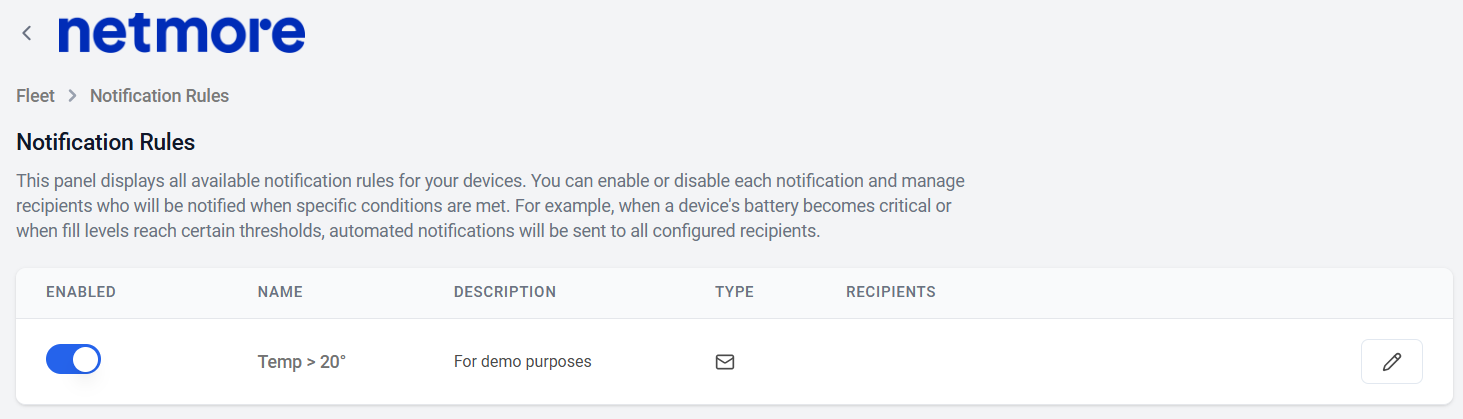
- Under Notifications, enable or disable notifications and add recipients as required.
TPE network and device alarms remain the source for LoRaWAN connectivity health. Netmore Go rules are best used for application data and business conditions.
Next step
Continue with Reports, exports, and zones.